Contents
- 1 Why Getting Google Reviews for Local Business in India Changes Everything
- 2 Step 1: Set Up Your Google Business Profile Completely Before Asking for Reviews
- 3 Step 2: Create Your Direct Google Review Link
- 4 How to Ask Customers the Right Way to Get Google Reviews for Local Business in India
- 5 Step 3: Build a WhatsApp Follow-Up System to Get Google Reviews for Local Business in India
- 6 Step 4: Train Your Staff to Ask for Reviews as a Standard Part of the Customer Goodbye
- 7 Step 5: Respond to Every Single Review Within 24 Hours
- 8 Step 6: Use Email and SMS to Get Google Reviews for Local Business in India
- 9 How to Handle Fake Negative Reviews
- 10 What Not to Do When You Get Google Reviews for Local Business in India
- 11 Building a Long-Term Review Strategy That Keeps Working
- 12 Frequently Asked Questions
- 12.1 How many Google reviews does a local Indian business need to rank on page 1 of Google Maps?
- 12.2 Can I reply to Google reviews from my mobile phone?
- 12.3 What should I do if a customer agrees to leave a review but never does?
- 12.4 Do Google reviews from people outside my city still help my local ranking?
- 12.5 How long does it take for a new Google review to show on my profile?
- 12.6 Should I ask all customers for reviews or only the happy ones?
If you want to get Google reviews for local business in India, you are already thinking about the right thing. A mobile repair shop owner in Nellore told me something that stayed with me for months. He said his shop had been in the same location for nine years, serving the same street, the same colony. But his neighbour who had opened just eight months before him was getting three times more walk-in customers. The reason was simple. The neighbour had 94 Google reviews with a 4.8 star rating. My client had 6 reviews with a 3.9 star rating. Same street. Same services. Same prices. The reviews made all the difference.
When you get Google reviews for local business in India, you are doing two things at once. You are improving your position in Google Maps search results, and you are building the kind of digital word-of-mouth trust that Indian consumers rely on heavily before visiting a business they have never tried before. In India, over 72 percent of consumers check Google reviews before visiting a local business for the first time, according to a 2024 LocalCircles survey. That number is higher than any other review platform including Justdial, Sulekha, or Facebook.
This guide will show you exactly how to get Google reviews for local business in India, how to respond to them correctly, how to handle fake or negative reviews, and how to build a review system that keeps generating new reviews automatically without you having to ask manually every single time.
Why Getting Google Reviews for Local Business in India Changes Everything
Google uses reviews as a direct local search ranking factor. The number of reviews you have, the average star rating, how recently new reviews were posted, and how often you respond to reviews all influence where your business appears in the Google Maps local pack. The local pack is the section of three businesses that appears at the top of Google search results when someone searches for a local service.
When you consistently get Google reviews for local business in India, you send strong signals to Google that your business is active, trusted, and relevant to local searchers. A business with 150 genuine reviews and a 4.6 rating will almost always rank above a business with 20 reviews and a 4.9 rating, because the volume of reviews signals stronger community validation to the algorithm.
Beyond rankings, reviews change buyer behaviour in ways that no paid advertisement can replicate. A potential customer who sees 120 genuine reviews from people in their city, describing real experiences at your shop, feels a level of social proof that takes months or years to build through any other marketing channel. This is especially true in Indian Tier 2 and Tier 3 cities where community trust is a deeply embedded cultural value in purchasing decisions.
Step 1: Set Up Your Google Business Profile Completely Before Asking for Reviews
Before you start asking customers for reviews, your Google Business Profile needs to be complete and professional. A customer who agrees to leave you a review will look at your profile before typing their words. If they see an incomplete or poorly set up profile, many will simply not bother.
Make sure your profile has your correct business name, address, and phone number. Add at least 10 high-quality photos of your shop exterior, interior, and products or services. Write a complete business description using relevant local keywords. Set accurate business hours and update them for Indian public holidays. Add your website link and WhatsApp number. For a detailed guide on optimising your full profile, read our article on how to set up Google My Business in India.
Once your profile looks trustworthy and professional, customers who visit it after agreeing to leave a review are far more likely to actually write a detailed, genuine review rather than a single word or a star-only rating.
Step 2: Create Your Direct Google Review Link
The biggest reason customers do not leave reviews even when they intend to is friction. If a customer has to search for your business on Google, find the review section, and navigate to the write-a-review screen on their own, most of them will give up before they get there. Your job is to make it a one-tap process.
Go to your Google Business Profile manager. In the left menu, click “Get more reviews.” Google will show you a short direct review link. Copy this link. When a customer taps this link on their phone, it opens directly to the write-a-review screen for your business, skipping every other step.
Save this link somewhere you can access it instantly. You will share it via WhatsApp, display it as a QR code at your shop, and include it in post-purchase messages. This single link is the foundation of every review generation strategy that follows.
Create a QR code from this link using a free tool like qr-code-generator.com. Print this QR code on a small A5 card or sticker and display it at your billing counter, reception desk, or near your exit. Add a simple handwritten or printed message next to it: “Happy with your experience today? Scan to leave us a Google review. It takes one minute and helps our small business grow.”
How to Ask Customers the Right Way to Get Google Reviews for Local Business in India
The single most effective way to get Google reviews for local business in India is the direct personal ask. This feels uncomfortable at first, especially for Indian business owners who are culturally modest about promoting themselves. But the data is clear: customers who are personally asked for a review by the business owner or staff are four to five times more likely to leave one than customers who receive only an automated message.
The best moment to ask is immediately after a positive interaction. For a restaurant, this is when the customer is clearly enjoying their meal or when they ask for the bill. For a salon, it is right after they have seen the result and expressed satisfaction. For a repair shop, it is the moment they confirm the device is working correctly. For a retailer, it is when they are happy with their purchase and about to leave.
The ask itself should be warm, personal, and brief. Something like: “We are a small local business and Google reviews make a huge difference for us. If you are happy with today’s service, would you mind leaving us a quick review? It only takes one minute and I can share the direct link on WhatsApp right now.” Most satisfied Indian customers respond very positively to this kind of genuine, humble request from someone they have just had a good experience with.
Step 3: Build a WhatsApp Follow-Up System to Get Google Reviews for Local Business in India
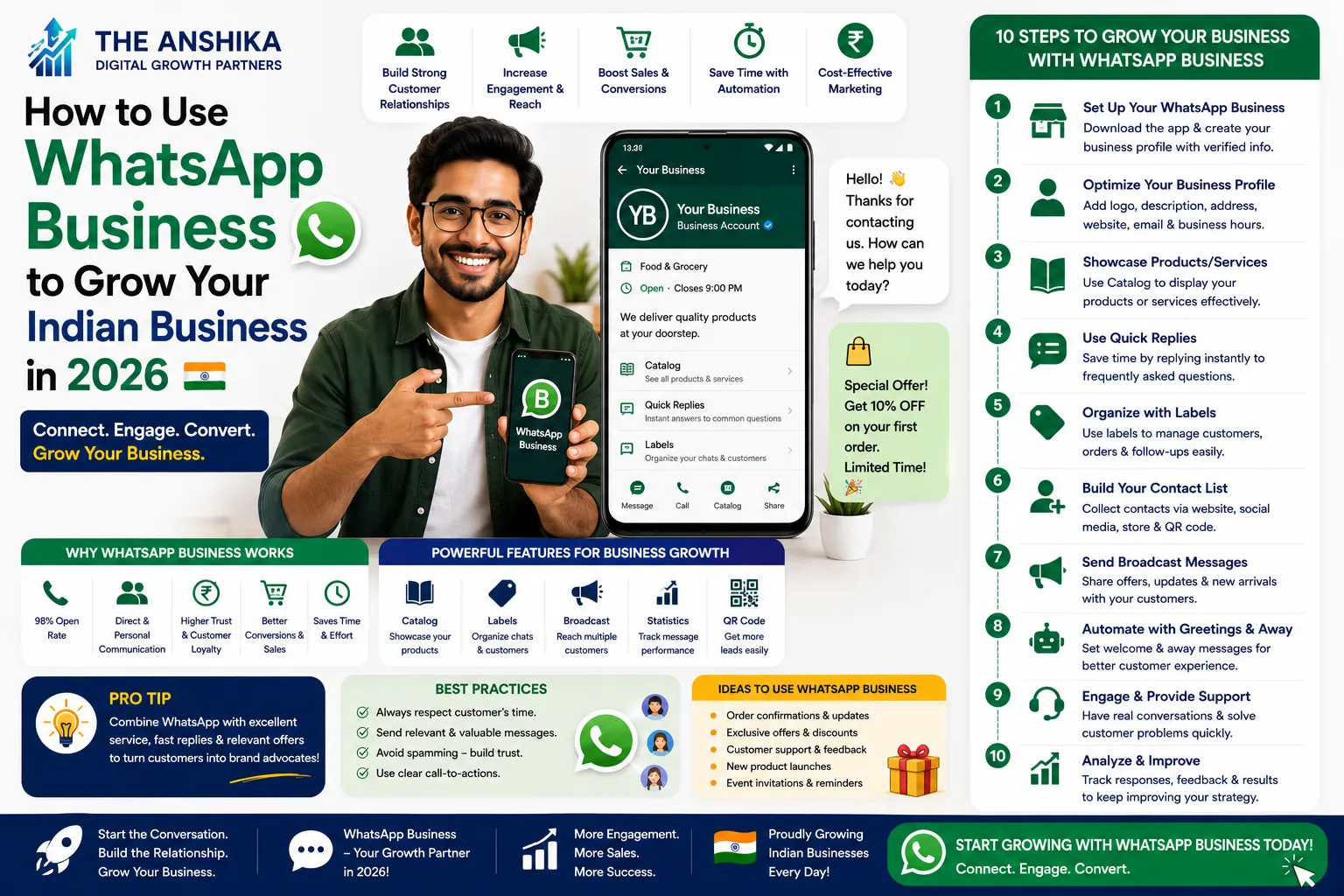
When you consistently get Google reviews for local business in India through WhatsApp follow-ups, you build a review generation machine that works even when you are busy with other customers. The process is simple: after every transaction, send a WhatsApp message to the customer within 24 to 48 hours.
Here is a message template that works well for Indian businesses: “Hi [Name], thank you so much for visiting us yesterday! We hope you are happy with your [product or service]. If you have a moment, a quick Google review would mean a lot to us and helps other people in [city name] find us. Here is the direct link: [your review link]. Even a few words make a real difference to our small business. Thank you! [Business Name] [Your Name].”
Notice this message is personal, warm, mentions their city, sets low expectations (“even a few words”), and gives a direct link. Save this as a Quick Reply in your WhatsApp Business app so you can send it with two taps after every transaction. For more on setting up WhatsApp Business for your Indian shop, read our guide on how to use WhatsApp Business to grow your Indian business.
Step 4: Train Your Staff to Ask for Reviews as a Standard Part of the Customer Goodbye
If your business has employees, you need to make the review ask part of your standard customer service process. This is how high-review businesses in India maintain consistently strong review counts month after month without the owner having to personally handle every request.
Train every customer-facing staff member to say the following as part of every positive customer goodbye: “Thank you for visiting us today. If you enjoyed your experience, we would really appreciate it if you could leave us a quick Google review. Here is a card with the QR code.” Then hand them the QR code card.
This takes 10 seconds per customer. If your shop sees 30 customers per day and 20% of them scan the QR code and leave a review, that is 6 new reviews per day. In one month, that is 180 reviews. The businesses in India with 200, 300, or 500 Google reviews did not get them through any complicated strategy. They simply built asking into their daily routine and stayed consistent for months.
Step 5: Respond to Every Single Review Within 24 Hours
Responding to your reviews is as important as getting them. Google explicitly states that businesses that respond to reviews demonstrate to customers and to the search algorithm that they value customer feedback. This directly influences your local search ranking. Businesses that respond to reviews consistently outrank businesses with similar review counts that never respond.
For positive reviews, respond within 24 hours. Address the reviewer by name if they provided it. Thank them specifically for what they mentioned in their review. Add a detail that shows you read it carefully, not just a copy-paste response. Invite them to return. Example: “Thank you so much, Priya! We are thrilled that you loved the Kanjivaram silk sarees. Our team takes a lot of pride in sourcing authentic handwoven fabric, so your kind words mean everything to us. We hope to see you again soon for the new collection arriving next month.”
For negative reviews, respond calmly, professionally, and without arguing. Acknowledge their experience, apologise for the disappointment, and invite them to contact you directly to resolve the issue. Never ask them to delete the review. A well-handled negative review response often increases potential customer trust more than a perfect rating with no responses at all.
Step 6: Use Email and SMS to Get Google Reviews for Local Business in India
While WhatsApp is the primary channel for most Indian businesses, email and SMS follow-ups also generate reviews effectively for businesses that have collected customer contact information at the time of purchase. If you run an email marketing programme for your Indian business, add a review request email to your post-purchase email sequence, sent three to five days after the transaction when the customer has had time to experience your product or service.
The timing of the review request matters significantly. For immediate experiences like restaurant meals or salon visits, ask within 24 hours. For product purchases, wait three to seven days so the customer has received and used the product. For service businesses where results take time (like digital marketing, coaching, or home renovation), wait two to four weeks until results are visible before asking.
How to Handle Fake Negative Reviews
Fake reviews are an unfortunate reality in India. Competitors sometimes post false one-star reviews. Disgruntled individuals who were never customers post misleading feedback. Knowing how to handle these professionally is essential for any Indian business that gets Google reviews for local business in India regularly.
The first step is to flag the review. Click the three dots next to the review in your Google Business Profile and select “Report review.” In the report form, explain specifically why the review is fake or violates Google’s policies. Include details: the reviewer was never a customer, the events described never occurred, the reviewer does not appear in your transaction records. Google investigates flagged reviews, though this process takes one to four weeks.
While waiting for the investigation, post a calm public response: “We have checked our customer records thoroughly and cannot find any record of your visit or transaction matching the experience described. We take every genuine concern seriously and invite you to contact us directly at [email or phone] so we can understand and resolve any real issue. Our team is committed to serving every customer with care.” This response protects your reputation with potential customers who read the review while Google investigates it.
What Not to Do When You Get Google Reviews for Local Business in India
Understanding what to avoid is just as important as knowing the right strategies. Several common mistakes Indian businesses make when trying to build their review count can result in reviews being removed, profiles being suspended, or permanent damage to their business reputation.
Never offer discounts, gifts, free products, or any incentive in exchange for reviews. Google’s policies explicitly prohibit this. The pattern is detectable by Google’s algorithms, and when caught, all the reviews obtained this way are removed and your profile may be penalised.
Never ask friends or family who have not genuinely visited your business to leave reviews. These “fake positive reviews” are also detectable by Google’s system, which cross-references reviewer accounts with location data and review patterns. Getting caught damages your profile significantly.
Never use third-party services that promise to “boost your reviews” through paid means. These are almost always detected and removed, and Google may permanently ban your Business Profile for using them. This is one situation where there genuinely is no shortcut.
Building a Long-Term Review Strategy That Keeps Working
The businesses in India with the strongest review profiles did not build them in a rush. They built them through consistent, daily practice over months and years. Implement these elements and your review count will grow steadily without requiring intensive ongoing effort.
Add your Google review link to every receipt or invoice you issue. Add it to the footer of every email you send. Share your QR code in your WhatsApp Business broadcast messages once a month. Post a reminder on your Instagram Stories once every two weeks inviting recent customers to leave a review. Add the QR code to your packaging if you sell physical products. Each of these touchpoints adds one more opportunity for a satisfied customer to become a reviewer without you having to ask them individually.
Track your review count monthly. Set a goal: get at least 10 new reviews per month. Hold yourself or your team accountable to this target. When you monitor it consistently, you will naturally adjust your daily habits to keep the numbers moving upward. To understand the full picture of how your local SEO is performing, read our detailed guide on local SEO for small shops in India.
Frequently Asked Questions
How many Google reviews does a local Indian business need to rank on page 1 of Google Maps?
This varies significantly by city and industry. In small Indian cities like Kakinada, Nellore, or Rajahmundry, 30 to 50 genuine reviews with a rating above 4.2 stars is often enough to rank in the top 3 local results for your category. In larger cities like Hyderabad, Bangalore, or Mumbai, competitive categories may require 150 to 300 reviews to reach the top positions. The key is to focus on consistent monthly growth rather than a specific total number, because review recency is itself a ranking factor.
Can I reply to Google reviews from my mobile phone?
Yes. Download the Google Business Profile app on your Android or iPhone and you can monitor and respond to all your reviews directly from your phone. Enable push notifications in the app so you receive an alert whenever a new review is posted. Responding quickly, particularly to negative reviews, is essential for reputation management and Google rankings.
What should I do if a customer agrees to leave a review but never does?
Send one polite follow-up message two to three days after your initial request. Something like: “Hi [Name], just checking if you managed to find the review link I shared earlier. No pressure at all, and thank you again for visiting us!” After one follow-up, do not send additional reminders to the same customer. Repeated requests become annoying and can damage the relationship. Move on and focus your energy on the next customer.
Do Google reviews from people outside my city still help my local ranking?
Yes, all genuine Google reviews contribute to your overall rating and review count, which are both ranking factors. However, Google also considers the geographic proximity of reviewers when evaluating local relevance. Reviews from people in your city and surrounding area carry slightly more local ranking weight than reviews from people in other states. Focus on getting reviews from your actual local customers first, and reviews from outside your region are a bonus.
How long does it take for a new Google review to show on my profile?
New reviews typically appear on your Google Business Profile within a few hours of being submitted. Occasionally Google holds reviews for manual verification if the system detects unusual patterns, which can take one to three days. If a review disappears after appearing briefly, it may have been flagged by Google’s spam detection system and sent for review. This can happen to genuine reviews from accounts that are new or have limited activity history.
Should I ask all customers for reviews or only the happy ones?
You should ask all satisfied customers consistently. The key word is “satisfied.” You are not asking for positive reviews specifically, you are asking for honest reviews. Selectively asking only customers who you know loved their experience is a common practice, but do not pressure or incentivise people to leave specific ratings. The goal is to ensure that your happy customers, who make up the majority of your customer base, actually take the action of leaving a review. Unhappy customers typically leave reviews on their own without being asked.
The Indian businesses that dominate their local Google Maps results are not necessarily the best businesses in their category. They are the most reviewed businesses. Quality matters, but visibility comes from reviews. If you start today, ask every satisfied customer this week, set up your WhatsApp follow-up message, and print your QR code card, you will have your first 10 new reviews within two weeks. Your first 50 reviews within two months. And your Google Maps ranking will reflect the effort within three months. Start with one step today. Create your Google review link, share it with your last five satisfied customers, and see what happens. If you need help setting up your local SEO strategy or want us to audit your Google Business Profile, write to us at support@theanshika.in.