Contents
Google Analytics India: Most Indian website owners I speak with fall into one of two categories: those who have never installed Google Analytics and have no idea who is visiting their website, and those who installed it years ago, got overwhelmed by the dashboard, and have not looked at it since. Both groups are making expensive decisions in the dark — writing content without knowing what readers want, running social media without knowing which platform actually sends visitors, and optimising pages that already convert well while ignoring pages that are consistently losing potential customers. Google Analytics 4 (GA4) — the current version as of 2026 — solves all of this. And like the best digital marketing tools, it is completely free. This guide will get you from zero to confidently using GA4 for your Indian website in one sitting. Google Analytics India
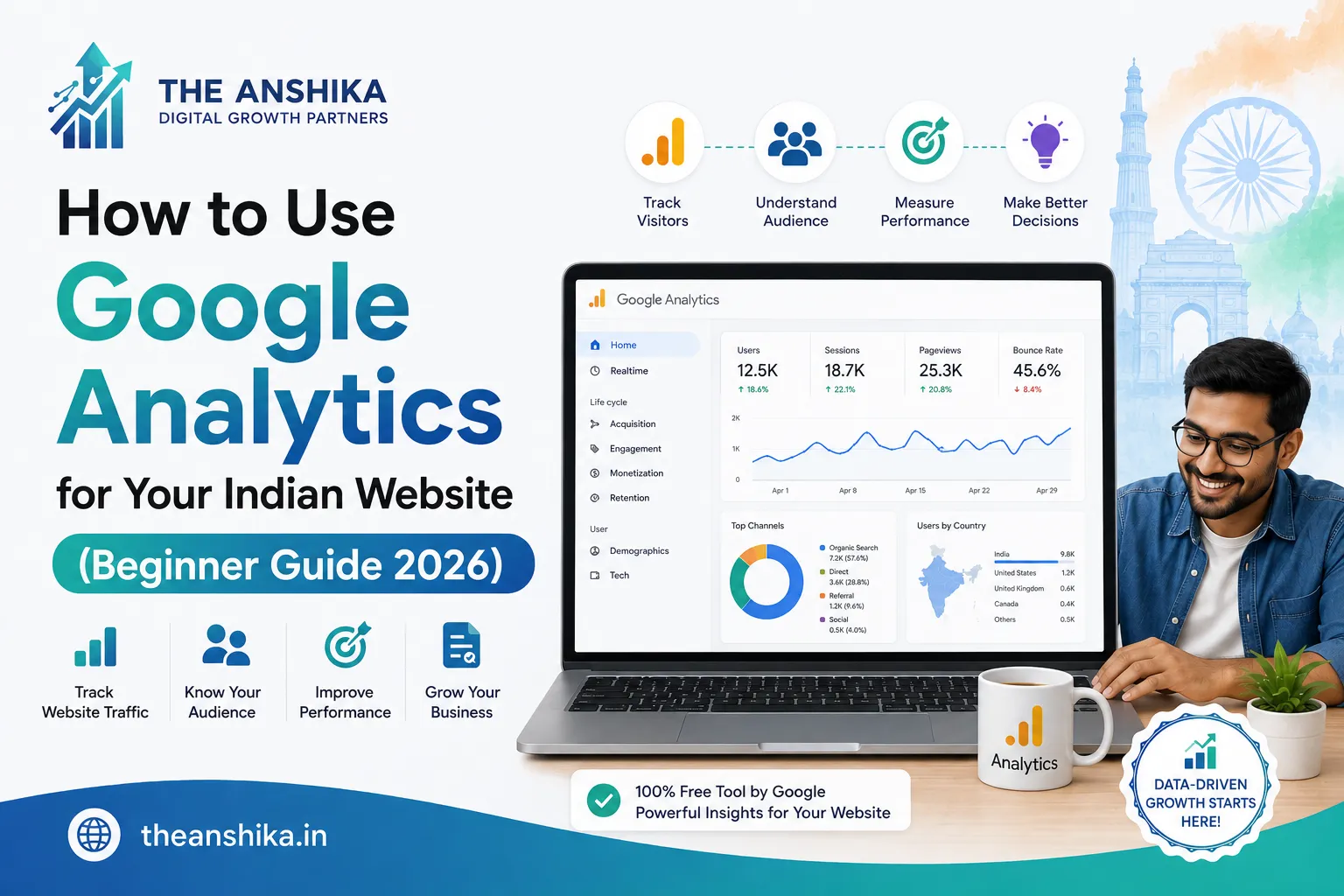
Google Analytics is a free tool by Google that tracks and reports website traffic. When properly installed, it tells you how many people visited your site, where they came from (Google search, Instagram, direct, WhatsApp link, etc.), what pages they looked at, how long they stayed, and whether they completed any important actions like contacting you or making a purchase. For Indian website owners making decisions about content, marketing channels, and page design, this data is invaluable.
Setting Up Google Analytics 4 for Your Indian Website
Go to analytics.google.com and sign in with your Google account. Click “Start measuring” and create a new account — use your business name as the account name. Create a property — use your website name. Set the time zone to India (GMT+5:30) and the currency to Indian Rupee. This timezone setting is crucial — without it, your daily traffic data will be offset by hours and misalign with your actual Indian audience activity patterns.
After creating your property, Google will give you a Measurement ID (it looks like G-XXXXXXXXXX). This ID needs to be added to every page of your website. The simplest way for WordPress websites is to install the “Site Kit by Google” plugin — it connects your WordPress site to Google Analytics, Google Search Console, and Google AdSense in one plugin with no code required. Alternatively, if you use Rank Math Pro, it has a Google Analytics integration built in. For non-WordPress sites, paste the GA4 tracking code into your website’s header section.
The GA4 Reports Every Indian Website Owner Should Check
GA4 has a lot of reports — many of which you will never need. For most Indian website owners and bloggers, 4 reports cover 90% of the useful insights. Here is where to find them and what to look for.
Reports → Acquisition → Traffic Acquisition: This shows you where your visitors come from. You will see channels like Organic Search (people who found you on Google), Direct (people who typed your URL directly or came from WhatsApp), Organic Social (Instagram, Facebook, Twitter), Referral (other websites that linked to you), and Paid Search (Google Ads). For Indian websites, Organic Search is typically the goal — it means your SEO is working. A high Direct traffic number often means strong brand awareness or active WhatsApp sharing.
Reports → Engagement → Pages and Screens: This shows which pages on your website get the most traffic, which pages have the longest average engagement time, and which pages people exit from quickly. For a blog, this tells you which topics resonate most with your Indian audience — invaluable for future content planning. If a page has high traffic but very low engagement time (under 30 seconds), visitors are landing and leaving immediately — a signal that the page content does not match what they were expecting.
Reports → Acquisition → User Acquisition: Similar to Traffic Acquisition but focuses on new users — people visiting your site for the first time. For Indian websites trying to grow their audience, this report shows which channels are most effective at attracting new visitors (as opposed to bringing back existing ones).
Realtime Report: Shows who is on your website right now. This is particularly useful on the day you publish a new article or run a social media campaign — you can see in real time whether people are visiting and engaging with the new content.
Understanding Your Indian Audience With GA4 Demographics
Go to Reports → User → User Attributes → Overview. This shows the demographics of your website visitors — age groups, gender, interests, and importantly, geographic location. For Indian websites, the geographic data is often surprising and useful. You might discover that 40% of your visitors are from Maharashtra when you thought your primary audience was in Andhra Pradesh — which might prompt you to create more content relevant to Maharashtra-specific search terms and contexts.
The device category data — how many visitors use mobile vs desktop — is also critically important for Indian websites. Indian internet usage is overwhelmingly mobile-first: most Indian websites receive 70% to 85% of their traffic from mobile devices. If your website is not fully mobile-optimised, the majority of your visitors are having a poor experience. This GA4 data makes that problem concrete and measurable, which is often what motivates website owners to finally fix it.
Setting Up Goals and Conversions in GA4: Google Analytics India
Traffic data is interesting, but conversion data is what actually helps you make business decisions. A conversion is a specific action that matters to your business — a contact form submission, a WhatsApp button click, a product purchase, or a specific page visit like your “Thank You” page after form submission.
In GA4, conversions are tracked as “Key Events.” Go to Admin → Events → Mark as Key Event for any event that represents a valuable action. If you have a contact form, the “form_submit” event should be marked as a Key Event. Once set up, you can see exactly how many people complete valuable actions on your site each month — and which traffic sources (Google search, Instagram, etc.) drive the most conversions.
Using GA4 Data to Improve Your Indian Website
Data without action is just numbers. Here is a practical monthly routine for using GA4 insights to improve your Indian website. First, identify your top 5 most-visited pages — these are your most valuable pages. Ensure they have strong calls to action, good internal links to related content, and updated, comprehensive information. Second, identify your highest bounce-rate pages — where visitors leave immediately. Improve the first impression: better headline, clearer content structure, faster loading. Third, identify your highest-converting traffic sources — put more effort into those channels. If Instagram is sending 3 times more converting visitors than Facebook, shift your time investment accordingly.
Google Analytics transforms website management from guesswork into evidence-based decision-making. Every hour spent analysing your GA4 data and acting on the insights it provides compounds into better content, higher traffic, and more customers for your Indian website over time. Set it up today if you have not already — and if you have had it installed for years without looking at it, open the dashboard this week and commit to checking it once a month. For help interpreting your analytics data,
write to us at support@theanshika.in.