Contents
- 1 Setting Up Your Free Canva Account for Business
- 2 Creating Instagram Posts for Your Indian Business
- 3 Festival and Seasonal Marketing Templates — The Biggest Opportunity for Indian Businesses
- 4 Creating WhatsApp Status and Story Images
- 5 Designing a Simple Business Logo for Free
- 6 Creating YouTube Thumbnails That Increase Views
- 7 Canva Pro vs Free: Do Indian Small Businesses Need to Upgrade?
Canva for Indian business: Three years ago, the standard response from an Indian small business owner when asked about their marketing materials was usually: “We gave it to a local printing press and they designed something for us.” The idea of creating your own professional-looking social media posts, business cards, brochures, or presentation templates felt inaccessible — something that required either expensive software like Adobe Photoshop or a hired graphic designer. Canva changed that completely. Today, an embroidery shop owner in Tirupati can create Instagram posts that look as professional as those from a Hyderabad design agency — in 15 minutes, for free, on her phone during her lunch break. I have seen this transformation happen with dozens of Indian businesses I work with, and it never stops being impressive.
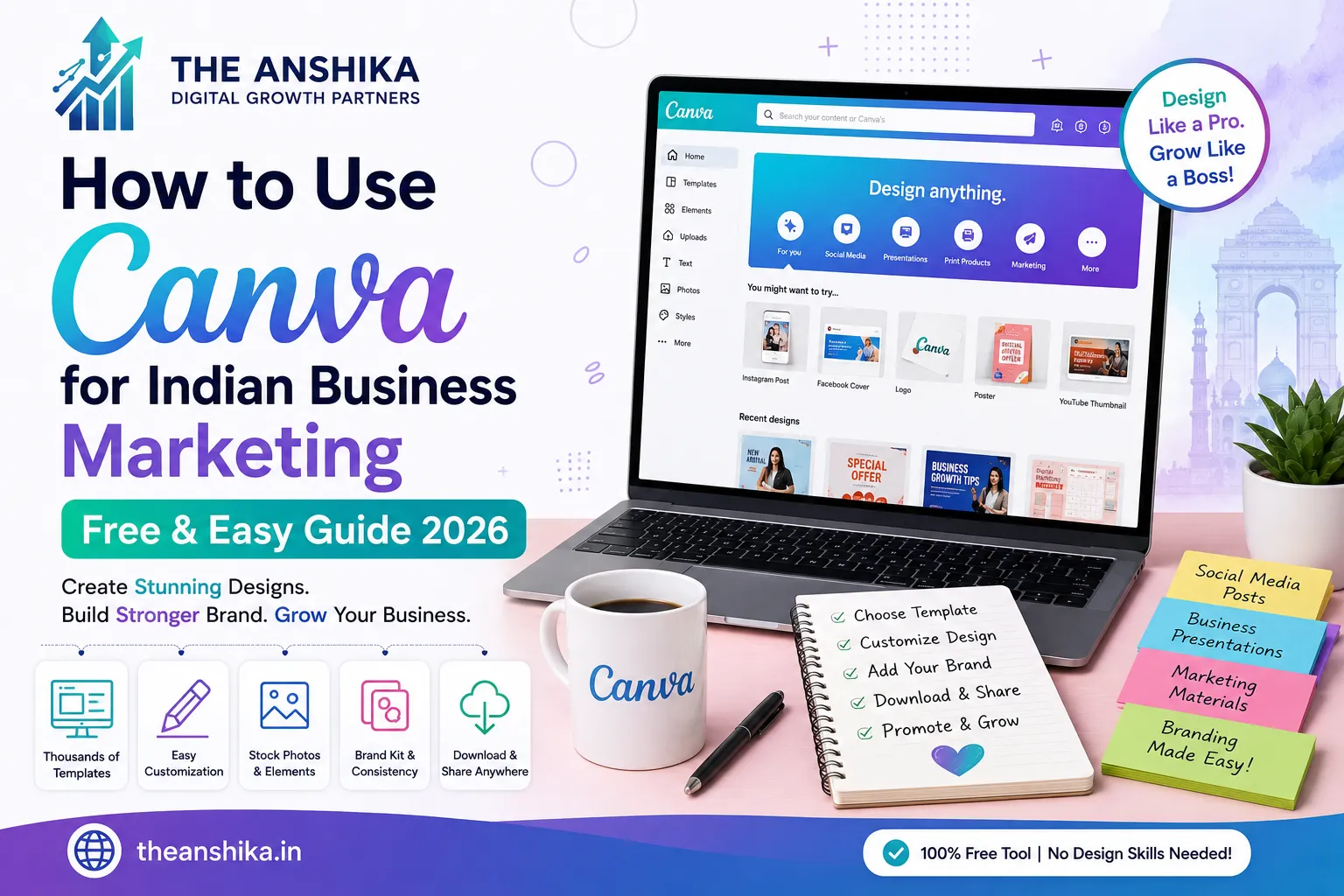
Canva is a free online graphic design tool used by over 170 million people worldwide, including millions of Indian business owners, bloggers, and digital marketers. It requires no design skills — everything is based on drag-and-drop editing with thousands of ready-made templates. This guide will show you exactly how to use Canva specifically for Indian business marketing needs.
Setting Up Your Free Canva Account for Business
Go to canva.com and create a free account using your Google or email login. Choose “Create a design” and you will see a library of preset size options — Instagram Post, YouTube Thumbnail, Business Card, Presentation, Logo, and many more. Canva automatically sets the correct dimensions for each format, so you do not need to worry about sizing.
The first thing to do after creating your account is set up your Brand Kit. Even on the free plan, you can save your brand colours (the specific colours of your logo) and upload your logo. Having these saved means you can add them to any design with one click — instead of manually entering colour codes every time. This one setup step saves enormous time and ensures all your marketing materials look consistent.
Creating Instagram Posts for Your Indian Business
Instagram posts are where most Indian small businesses use Canva most often. Select “Instagram Post (Square)” from the design options. You will see thousands of templates on the left — filter by your industry or by occasion (Festival, Sale, Product Launch, etc.).
Choose a template that matches your business vibe. Click any element to edit it — text, colours, images, icons. Replace the placeholder text with your actual product or offer information. Replace the template images with your own product photos by clicking “Uploads” in the left panel and uploading photos from your phone or computer.
For Indian businesses, a few specific design principles work particularly well on Instagram. Use vibrant colours — Indian audiences respond strongly to bold, warm colours like orange, red, gold, and green, especially for festive content. Include your business name or logo in every post so your brand is recognisable in the feed. Keep text minimal — the image should communicate visually, with text providing just the essential details like the offer, price, or call to action.
Festival and Seasonal Marketing Templates — The Biggest Opportunity for Indian Businesses
One of the most powerful uses of Canva for Indian business marketing is creating festival-specific content. Diwali, Pongal, Onam, Eid, Navratri, Republic Day, Independence Day, Holi — each festival is an opportunity to connect with your audience through culturally relevant content while promoting your business naturally.
In Canva, search for the specific festival name in the template search bar. You will find dozens of pre-designed templates for every major Indian festival — already using the right colours, imagery, and cultural symbols. Customise with your business name, logo, and any special offer for that festival. Creating a festival greeting post takes about 5 minutes with Canva and significantly increases engagement compared to generic promotional posts.
Plan your festival content calendar at least 4 to 6 weeks ahead. In January, prepare templates for Republic Day, Valentine’s Day, and Holi. In September, prepare for Navratri, Dussehra, and Diwali. Having templates ready in advance means you never miss a festive marketing opportunity due to time pressure.
Creating WhatsApp Status and Story Images
WhatsApp Status and Instagram Stories use vertical (portrait) format. In Canva, select “Instagram Story” size which is the standard vertical format (1080 x 1920 pixels) used by both platforms.
WhatsApp Status images that work well for Indian business accounts include: new product arrivals with your brand name and price, daily offers or limited-time discounts, customer testimonials in a visual format, behind-the-scenes glimpses of your work or process, and festival greetings with your business name. Keep the most important information in the centre of the image — Status images are sometimes cut off at the edges on different phone screens.
Designing a Simple Business Logo for Free
Professional logo design can cost ₹5,000 to ₹30,000 with a designer. Canva allows you to create a simple, clean logo for free. Search “Logo” in Canva and browse the templates — many are simple text-based logos that look professional and clean.
For a small Indian business, a text-based logo using a clean, readable font with your business colour is often the best starting point. Choose 1 to 2 colours maximum. Use a font that is easy to read at small sizes. Include only your business name and optionally a simple icon. Do not try to cram too many elements into a logo — simplicity is the mark of a professional brand at any budget level.
Creating YouTube Thumbnails That Increase Views
If you run a YouTube channel for your Indian business, Canva makes creating professional-looking thumbnails very simple. Select “YouTube Thumbnail” (1280 x 720 pixels) from the design options. The best-performing thumbnails for Indian YouTube channels typically include a clear, readable title in bold text, a person’s face (if it is a talking-head video), and a high-contrast background that stands out in the YouTube feed.
Bright orange, red, and yellow backgrounds consistently perform well for Indian YouTube thumbnails — they stand out against YouTube’s white interface. Include 3 to 5 words of text maximum — thumbnails are viewed at small sizes on mobile and too much text becomes unreadable.
Canva Pro vs Free: Do Indian Small Businesses Need to Upgrade?
Canva Pro costs approximately ₹3,999 per year for individuals. For most Indian small businesses, the free plan is genuinely sufficient for social media posts, WhatsApp images, basic logos, and presentations. The main advantages of Pro are: access to premium templates and stock photos, the background remover tool (very useful for product photography), the Brand Kit with multiple brand configurations, and Magic Resize (instantly resizes any design to different formats).
The background remover tool alone is worth the upgrade for Indian businesses that frequently need to create clean product images — removing a background from a product photo takes 3 seconds with Canva Pro versus 20 to 30 minutes of manual effort in other tools. If your business involves regular product photography and social media posting, Pro is worth the annual investment. Otherwise, start with the free plan.
Design consistency builds brand recognition. The more your marketing materials look cohesive — same colours, same fonts, same style — the more professional and trustworthy your business appears to Indian customers. Canva makes this consistency achievable for every business, at every budget. Start your free account today and create your first design in the next 30 minutes.
In today’s digital era, the impact of Canva for Indian business cannot be ignored by anyone who wants to grow their brand. Gone are the days when you had to wait for days for a local printer to finish a simple design. By choosing Canva for Indian business, you are taking full control of your marketing identity and saving a lot of hard-earned money. The platform is so simple that even someone with zero technical knowledge can create stunning visuals that look premium.
The real value of Canva for Indian business lies in its ability to make high-quality design accessible to everyone, from a small tea stall owner to a large manufacturing plant. It bridges the gap between creativity and execution. When you consistently use the tools and templates available, your brand starts to look more trustworthy and professional. We have seen how the potential of Canva for Indian business has transformed the way local shops interact with their customers on WhatsApp and Instagram. To stay ahead of your competitors, you must embrace the benefits of Canva for Indian business and start creating your own unique content today.
Frequently Asked Questions (FAQs)
Q1. Is Canva for Indian business really free for lifetime use? Yes, the basic version is completely free. You get access to thousands of templates, fonts, and elements without paying a single rupee. While there is a Pro version with extra features, the free version is more than enough for most daily marketing needs of a small shop or a freelancer.
Q2. Can I use Canva for Indian business to design in Hindi, Telugu, or other local languages? Absolutely! This is one of the best features. You can easily type in your local language or upload your own regional fonts. This makes it very easy to create posters and greetings that connect directly with your local audience in their mother tongue.
Q3. Does Canva for Indian business work on a basic Android smartphone? Yes, it works perfectly. You can download the app from the Play Store. Most Indian business owners prefer using the mobile app because they can quickly create and share a “Daily Offer” or a “Festival Greeting” directly to their WhatsApp Status while they are busy at their shop.
Q4. Why is Canva for Indian business better than hiring a professional graphic designer? For big branding projects, a designer is good. But for daily social media posts, hiring a designer is very expensive and takes too much time. Using this tool allows you to make changes instantly. You don’t have to wait for anyone else to finish your work.
Q5. Can I manage my entire brand identity using Canva for Indian business? Yes, you can. By setting up your “Brand Kit” with your specific logo and colours, every single post you create will look consistent. This helps people recognise your business immediately when they see your post in their feed.
Q6. Is Canva for Indian business helpful for creating print materials like visiting cards? Yes, you can design visiting cards, brochures, and even menu cards. The best part is that you can download these designs in “PDF Print” format, which you can then take to any local printing shop for high-quality printing.
Q7. How does Canva for Indian business help during the busy festival seasons? During festivals like Diwali or Sankranti, you are usually very busy with customers. Instead of spending hours on a greeting, you can just pick a ready-made festival template, add your logo, and your professional greeting is ready in 2 minutes.
Start your journey today and see the difference by using Canva for Indian business.
Questions about marketing design for your Indian business? Write to us at support@theanshika.in.